


Easy
Go ahead, leave your wallet at home. With Apple Pay, you can pay with your Ancoria Bank Visa debit card right from your iPhone or Apple Watch.

Privacy and Security
Apple Pay uses the security features built into your Apple device—to help keep your purchases private and secure. These features are designed so only you can make purchases with Apple Pay. Your actual card number is never stored on your device or Apple servers. And when you pay, your card number is never shared by Apple with merchants, keeping these details hidden and offering an additional level of protection against fraud.
Online and in-app benefits
Add your Ancoria Bank Visa debit card to Apple Pay for easy and secure payments, without using your physical card or entering your PIN. Just look for the Apple Pay icon online and in your favorite apps. Enjoy easy and secure payments—seamlessly from your iPhone, Apple Watch, iPad, or Mac.
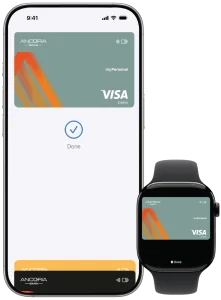
How to add your card to Apple Pay
Via the myAncoria application:
Open the myAncoria app, tap on your Ancoria Bank Debit Card, select the “Add to Apple Pay” icon and follow the instructions.
Via the Apple Wallet application:
Download the Apple Wallet app from AppStore and follow the steps to add your Ancoria Bank Debit Cards to Apple Pay.
How to pay
In-store:
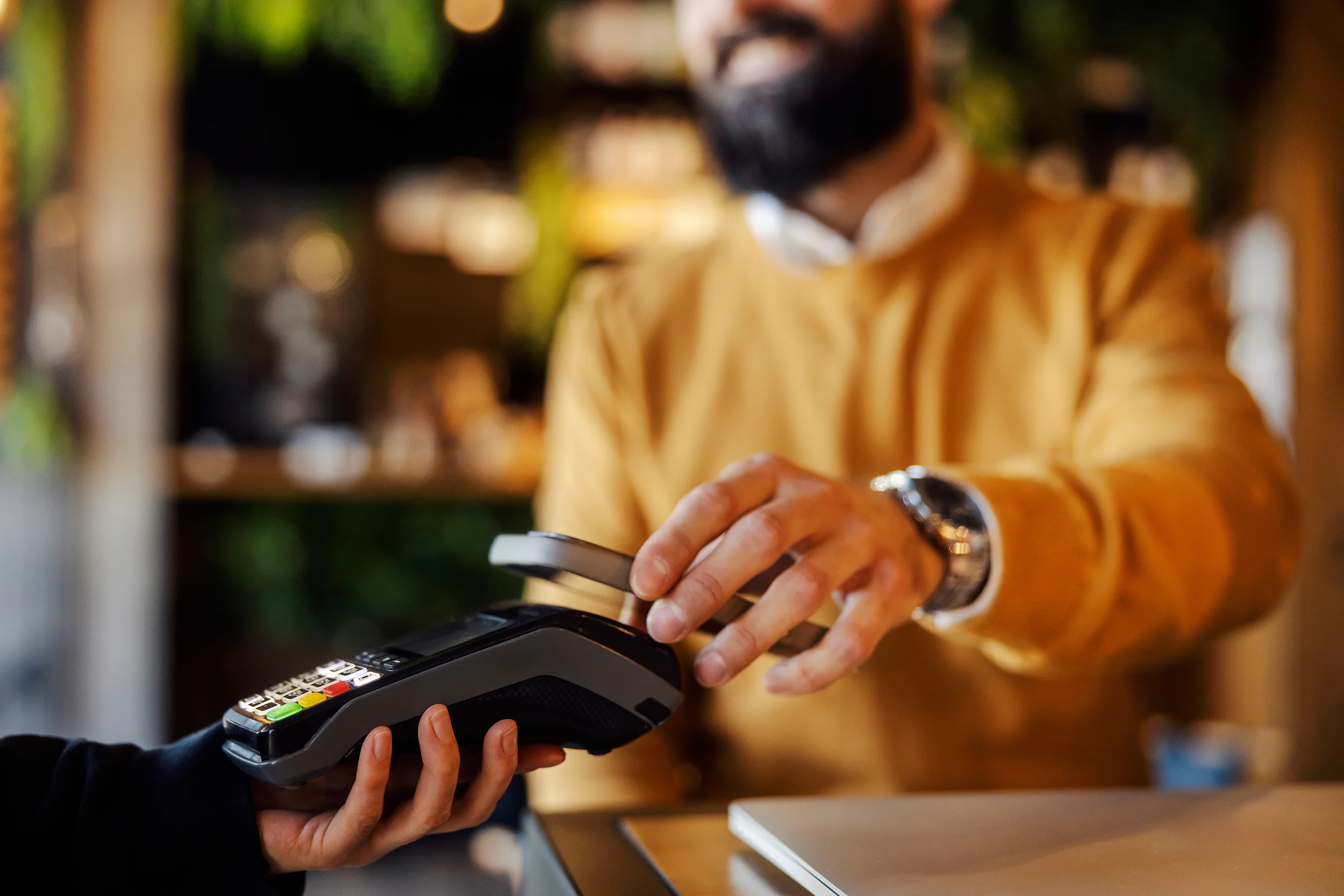
With your iPhone, double-click the side or Home button, authenticate with Face ID, Touch ID, or your passcode, then hold your device near the reader to pay. With Apple Watch, just double-click the side button, then hold your device near the reader to finish your purchase.
Online or in-app:
When purchasing online or in-app, double tap the button, confirm your billing and shipping information, then authenticate with Face ID, Touch ID, or your passcode.
Use Apple Pay whenever you see one of these symbols:


Frequently Asked Questions
What is Apple Pay?
Apple Pay is an easy and secure way to pay online and in stores through your iPhone or Apple Watch which allows contactless payments, without the need of a physical card or PIN number.
How to use Apple Pay for card payments?
In-store
With iPhone, double-click the side or Home button, authenticate with Face ID, Touch ID, or your passcode, then hold your device near the reader to pay. With Apple Watch, just double-click the side button, then hold your device near the reader to finish your purchase.
Online or in-app
When purchasing online or in-app, tap the button, confirm your billing and shipping information, then authenticate with Face ID, Touch ID, or your passcode.
Which Ancoria Bank cards can I add to Apple Pay?
You can add all Ancoria Bank’s Debit Cards (myFirst, myPersonal and myBusiness) to your Apple Pay.
Is there a charge for using Apple Pay?
No, there are no fees for using Apple Pay. Ancoria Bank will not charge you for using this service.
I can't add my card to Apple Wallet. What should I do?
If you need assistance with adding your Ancoria Bank Debit Card to Apple Wallet, don’t hesitate to contact our Customer Service team and they will assist you.
My device has been lost or stolen. What should I do?
In case your device has been lost or stolen, contact our Customer Service team and they will provide you with the necessary information on how to move forward regarding your card that has been added to Apple Wallet.
Where can I find the Terms and Conditions for using Apple Pay?
You can find Ancoria Bank’s Term and Conditions for using Apple Pay here.
Can I make a contactless transaction with Apple Pay without my device being connected to the internet?
Yes, an internet connection is not required to make a contactless transaction with Apple Pay.
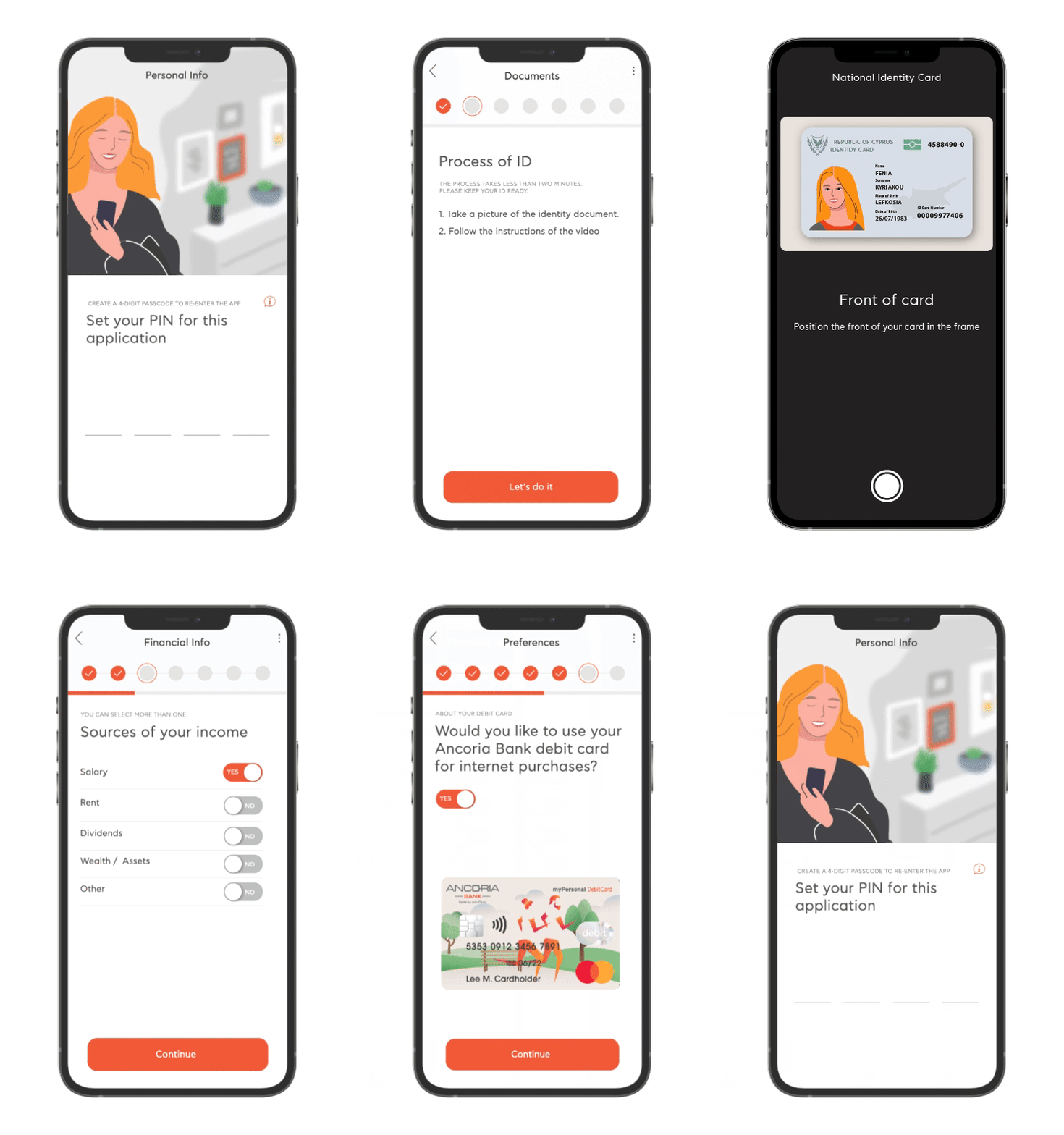

Download myAncoria
No Ancoria Bank Current Account yet? Download the myAncoria app on your mobile phone, open an account and make contactless payments with Apple Pay.